Open it
On the Mac
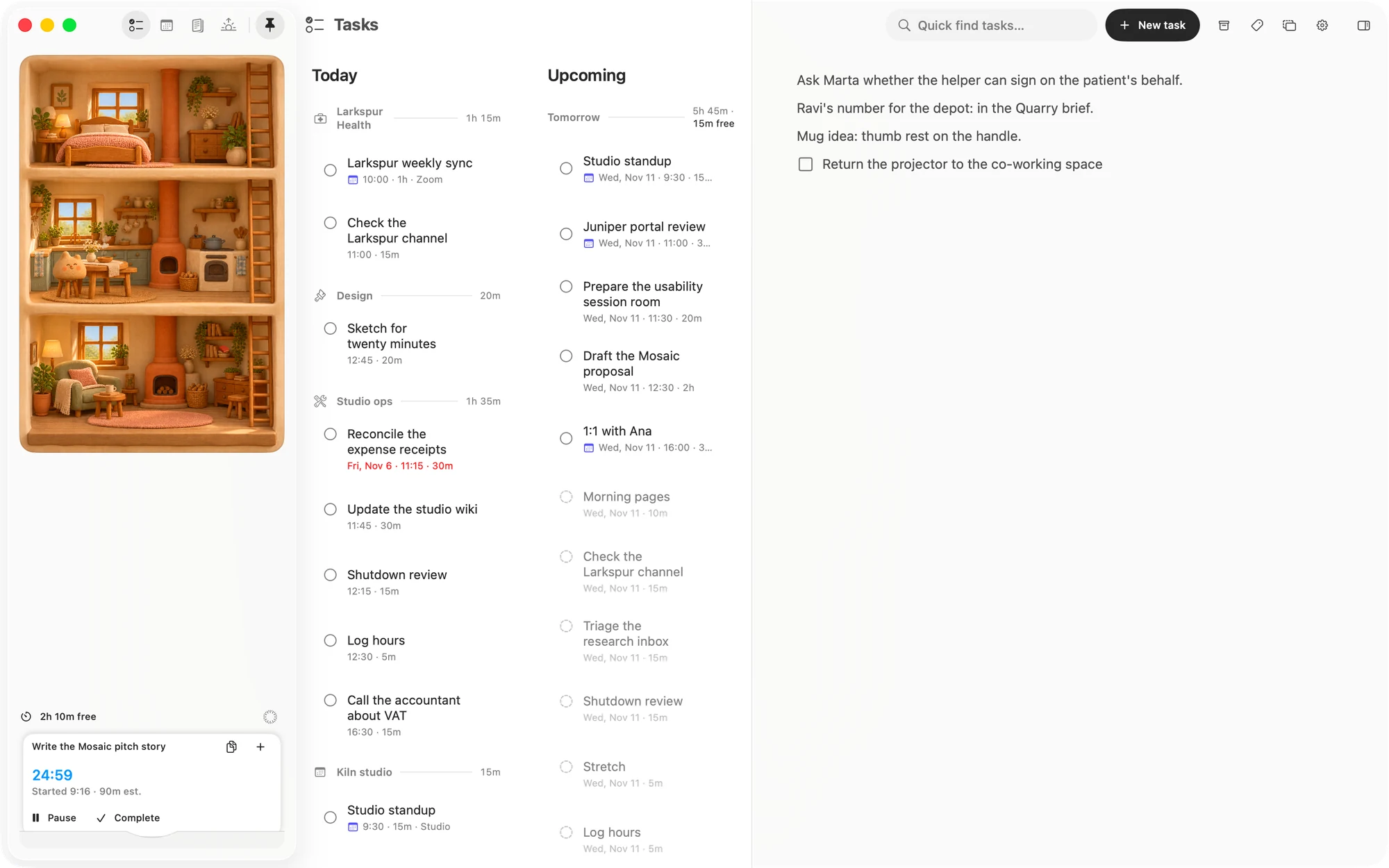
Click the pin at the top of the sidebar, or press ⇧⌘N. Either works from any page.
It opens in the side panel beside the page, with the cursor ready on the page. The pin fills in while it is open. Click it or press ⇧⌘N again to close it.
The side panel holds one thing at a time, so opening the Pin board replaces whatever was in it, and opening something else there replaces the Pin board. It stays open as you move between pages.
Rest the pointer on the pin for a moment and New task slides out beside it.
On the iPhone
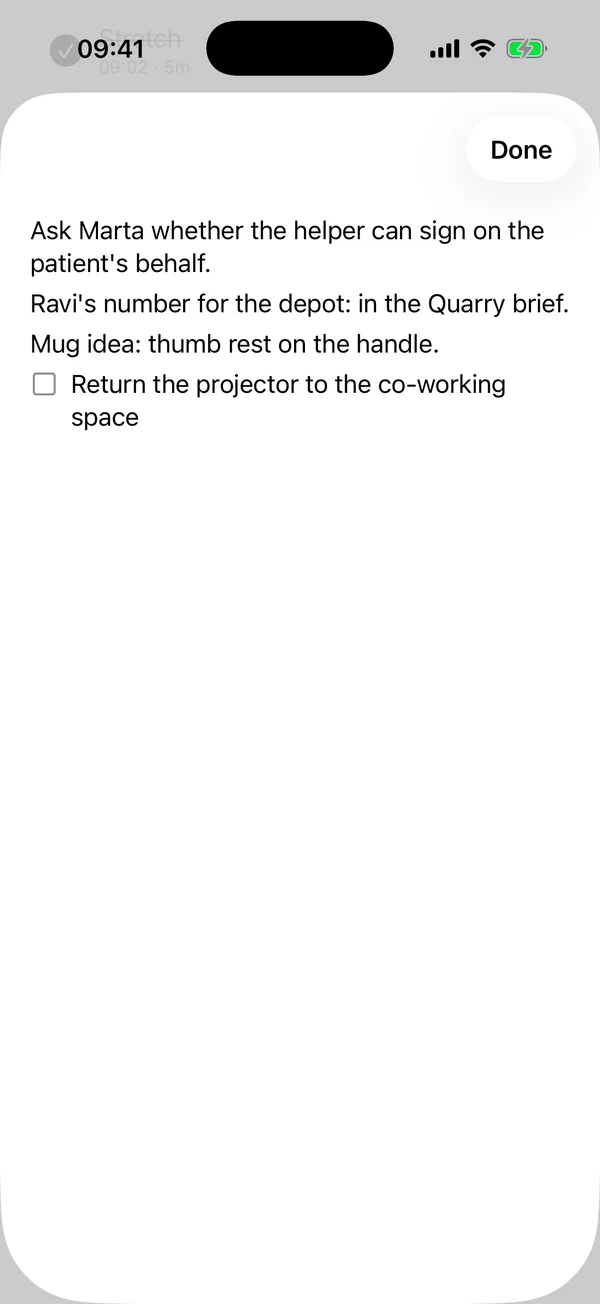
Tap the circle beside the tab bar, then Pin. It is there on every page. It opens as a sheet, and Done closes it.
What it is
The Pin board is a note, and you write in it the way you write in any note: lines, headings, to-dos, dates and links all work. There is nothing to save.
There is only one, and the Mac and the iPhone share it through your iCloud.
How it differs from your other notes
- No title or icon. It opens straight onto the page.
- Not in Notes. It doesn't show in the list on the Notes page, or in that page's search.
- Not something you can link to. It isn't offered when you type
@or[[in a note. It can hold links to your other notes, though. Following one takes you to that note on the Notes page, and on the iPhone it closes the sheet first. - Nothing to delete. It has no delete of its own. To clear it, delete the lines in it.
A to-do on the Pin board stays on the Pin board. It doesn't become a task or reach your day.
Matter
To-do list that fits life
For the Mac and iPhone. It works offline, with no account.
Download for MacDownload for iPhone