Complete a task
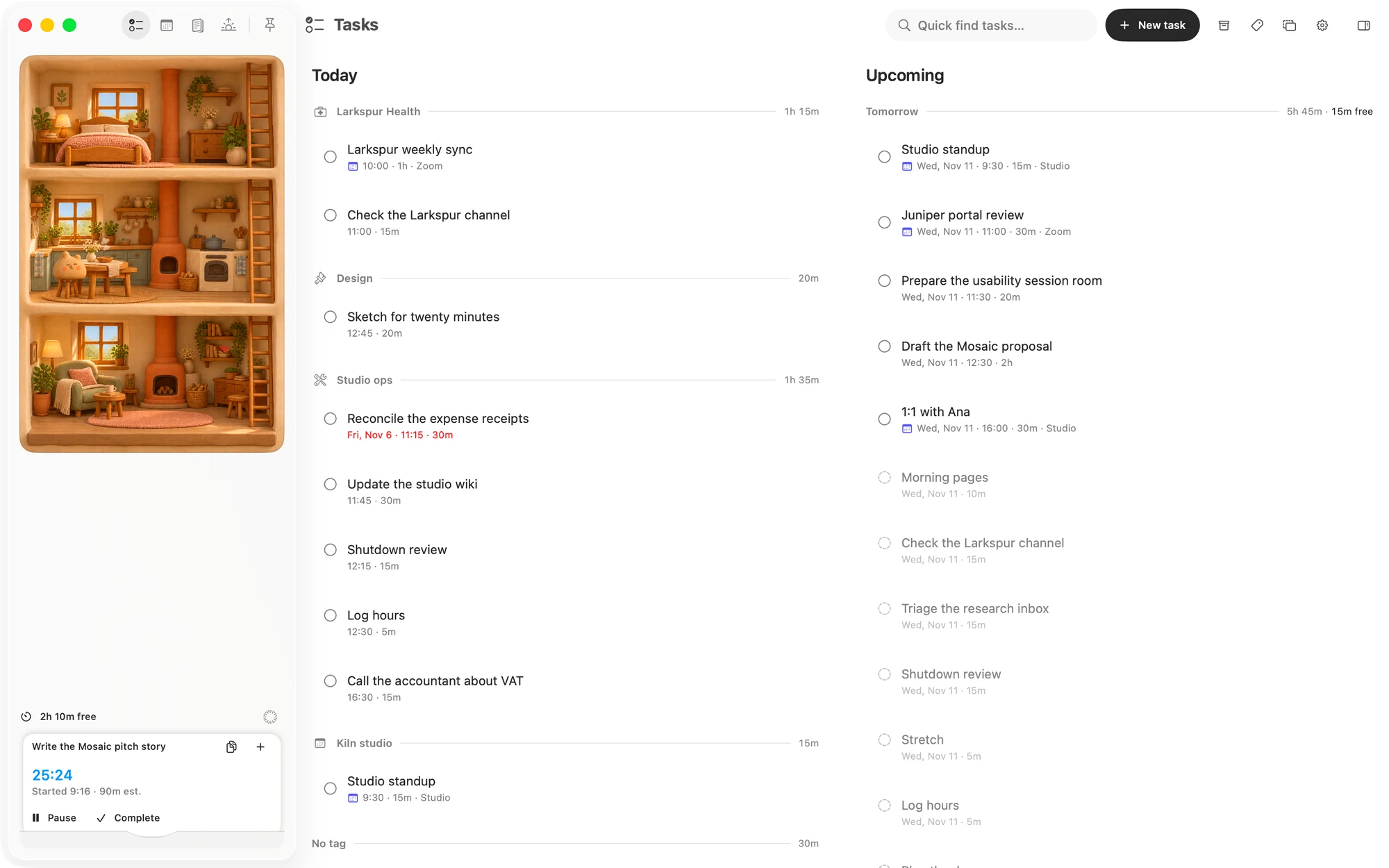
- On the Mac, click the circle on its row, or right-click it and choose Complete.
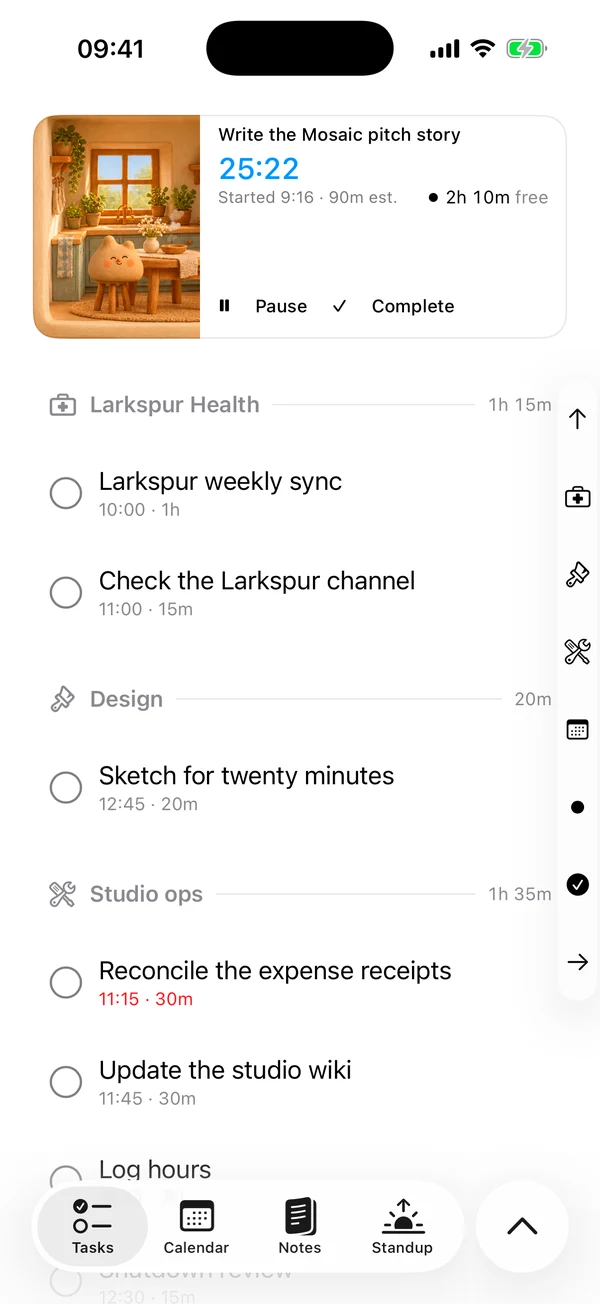
- On the iPhone, tap the circle on its row, or hold it and choose Done.
- While it is running, press Complete on its card. See Sessions.
A finished task moves to the Done group at the foot of Today, whatever day it was for, and it is listed once however many tags it has. It stays there until midnight, then it is only in the Archive. Its session stops, the time you tracked stays with it, and the room it took on the day comes back.
Reopen a task
- On the Mac, click the checkmark, or right-click and choose Reopen.
- On the iPhone, tap the checkmark, or hold it and choose Reopen.
- After that day, reopen it from the Archive.
It goes back to its own day, under its tags. If that day has passed, it shows in Today as overdue. It counts toward the day again, even if that puts the day over. Time you tracked before is still there.
Push a task
- On the Mac, hover over the row and click +, or right-click it.
- On the iPhone, hold the row.
Then choose Push to tomorrow, Push out 3 days or Push to next week, which is seven days away.
All three count from today, not from the task's own day. Push to tomorrow on a task set for next Friday brings it forward to tomorrow.
To put a task on a particular day, open it and change its day. That doesn't count as a push.
A push is never refused, because only today refuses work. A pinned task keeps its time on the new day. A placed task keeps its time until the new day is next laid out.
After three pushes
The fourth push asks first whether you still want this, and says how many times the task has been pushed. You can choose:
- Push anyway, which pushes it.
- Delete task, which moves it to the Archive.
- Keep it for today, which leaves it where it is.
The question keeps coming with every push after that. A follow-up is a new task, so its count starts again.
Tasks from earlier days
An open task doesn't fall off the board when its day passes. It stays in Today with its date in red, it counts toward today, and it is placed before today's other tasks. It stays that way until you finish it, push it, delete it or give it a new day.
Delete a task
- On the Mac, hover over the row and click the trash, or right-click it and choose Delete.
- On the iPhone, swipe the row left and tap Delete, or hold it and choose Delete, or use Delete task at the foot of its editor.
Matter asks first, with Delete this task?, and the task moves to the Archive. If it was running, its session stops. The time you tracked stays with it.
The Archive
The Archive holds your finished tasks and everything you deleted.
- On the Mac, click Archive at the top of Tasks.
- On the iPhone, tap the circle beside the tab bar, then More, then Archive.
Use All, Completed and Deleted to choose what shows, and search to find a task by its title.
- Reopen brings a finished task back.
- Restore brings a deleted task back as it was when you deleted it, so a finished task that was deleted comes back finished.
On the iPhone you can also swipe a row to the right. There is no way to delete anything from the Archive for good.
Calendar events
Events on your board complete and reopen the same way. You can't push or delete one, because it belongs to your calendar. See Task list with calendars.
Matter
To-do list that fits life
For the Mac and iPhone. It works offline, with no account.
Download for MacDownload for iPhone